In this digital age, where all our critical information are stored digitally in one place or the other, it becomes crucial to ensure that our personal information are kept confidential and secure. We need to ensure that our personal details or accounts are not compromised without us even being aware of it. Even if we have this constant worry and awareness at the back of our mind, being up to date with the security status of our accounts is a daunting tasks. To solve this particular challenge, a site called “Have I been pwnd?” comes to our rescue. So, what is “Have I been pwnd?” or HIBP?
What is HIBP or “Have I been pwnd?”
For a brief background, Have I been pwned is a free website developed by Troy Hunt, an Australian cyber security expert on 4th December 2013. It came after a massive data breach of Adobe software in the same year where 38 million user’s username and passwords were hacked. The motive of building the site was to inform the users of their account breaches and also to draw attention to severity of the cyber attacks in current digital age.
How to use “Have I been pwnd?”
Using the “Have I been pwnd?” website, you can check if your account details like username and password, financial information or personal information have been breached and are on sale by criminals. These details can be bought by people with malicious intent and can be used for carrying out illegal activities, obtaining ransom from the victim or for defamation etc. Just visit the link https://haveibeenpwned.com/ for their website. Once on the website, you can enter your email address or phone number to check if any details linked to you are in the list of the millions of breached information on the dark web for sale.
The website opens at the homepage as below:
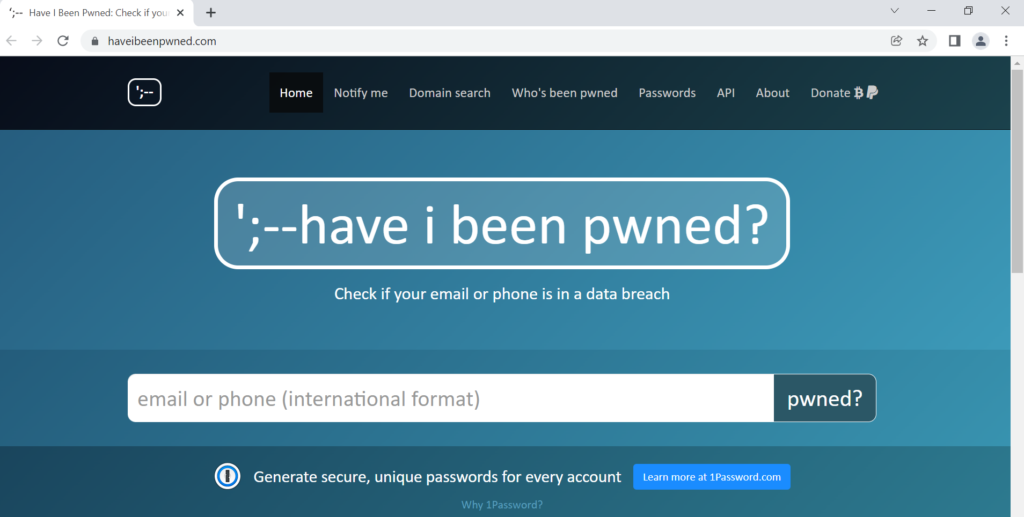
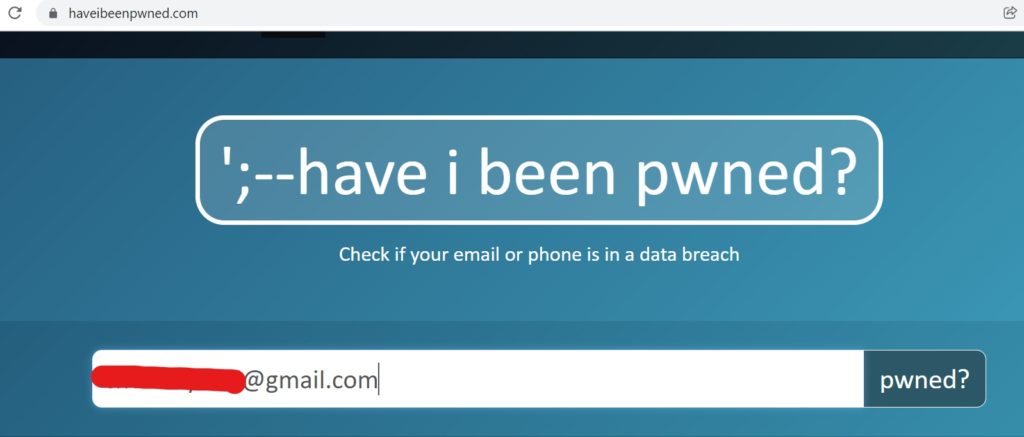
In the homepage, we can enter our email address or a phone number to check if any information related to the account is breached. Enter the email address as below
If your details are breached and are found anywhere in the dark web, then the result will be shown in the result
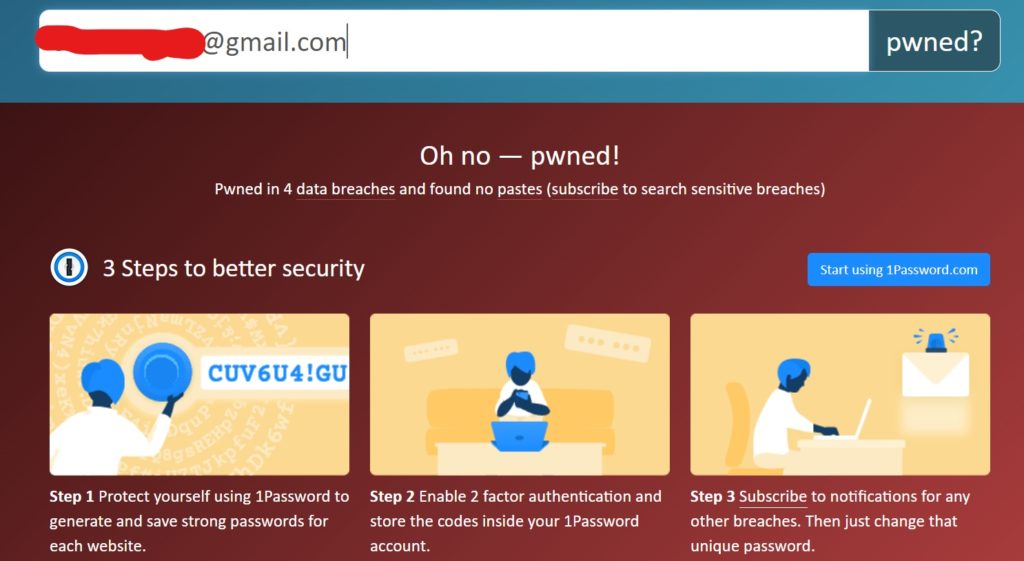
As shown in the image above, the email address is found in 4 data breaches, which means this email address has been included in 4 such incidents of compromising attacks. Now, the first thing you need to do to ensure no further damage is to secure your account by various means such as changing passwords and enabling Multiple Factor Authentication (MFA) or 2-Factor Authentication(2FA). Also, as seen in the recommendations given in the result page, it is recommended to use a Password Manager as managing multiple unique and complex passwords can prove to be a difficult work.
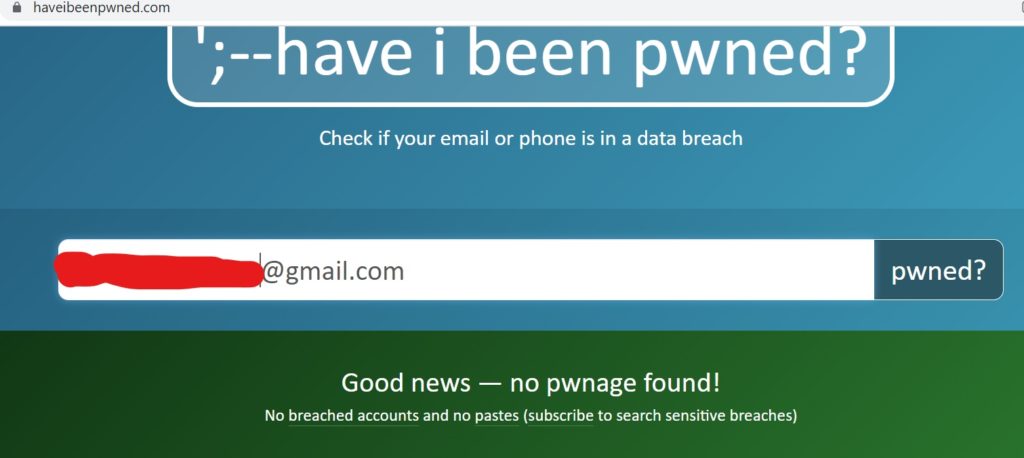
For the good news, if your account is is secure with no data breaches, then the result will be good news with no bad results as below:
**********************************************Thanks for reading, stay secure 🙂 *******************************************